Authentication
Authenticate external integrations using API Keys or signed JWT tokens.
Ensemble provides two authentication methods for external integrations. Both are designed for server-side use — the difference is whether your integration is purely backend or needs to pass credentials to a frontend.
When to Use Which
| Method | Use Case | Secret Location |
|---|---|---|
| API Key | Server-to-server integrations | Your backend only |
| Signed JWT | Embedded frontends (Chat Widget, custom UIs) | Your backend signs, frontend uses token |
API Key Authentication
Use API keys for direct backend-to-backend integrations where no browser/frontend is involved.
Creating an API Key
- Go to Settings → API Keys in Ensemble
- Click Create API Key
- Give it a description (e.g., "Production Backend")
- Copy the key — it won't be shown again
Using the API Key
Include the key and tenant ID in your request headers:
curl -X POST https://service.ensembleapp.ai/api/agents/{agentId}/invoke \
  -H "Content-Type: application/json" \
  -H "x-api-key: sk_your_api_key" \
  -H "x-tenant-id: your_tenant_id" \
-d '{"message": "Hello"}'| Header | Description |
|---|---|
x-api-key | Your API key (starts with sk_) |
x-tenant-id | Your tenant ID |
Security Notes
- Never expose API keys to browsers or frontend code
- Store keys in environment variables or a secrets manager
- Rotate keys periodically
- Each key can be disabled independently if compromised
Signed JWT Authentication
Use signed JWTs when you need to pass credentials to a frontend (like the Chat Widget) while keeping your secret secure on the server.
How It Works
- Create a secret in Ensemble (Settings → Secrets) — one-time setup
- Your frontend requests a token from your backend
- Your backend signs a JWT using the secret
- Your backend returns the short-lived JWT to the frontend
- Your frontend calls Ensemble APIs with the JWT
- Ensemble verifies the signature matches your secret
- Ensemble returns the response
Creating a Secret
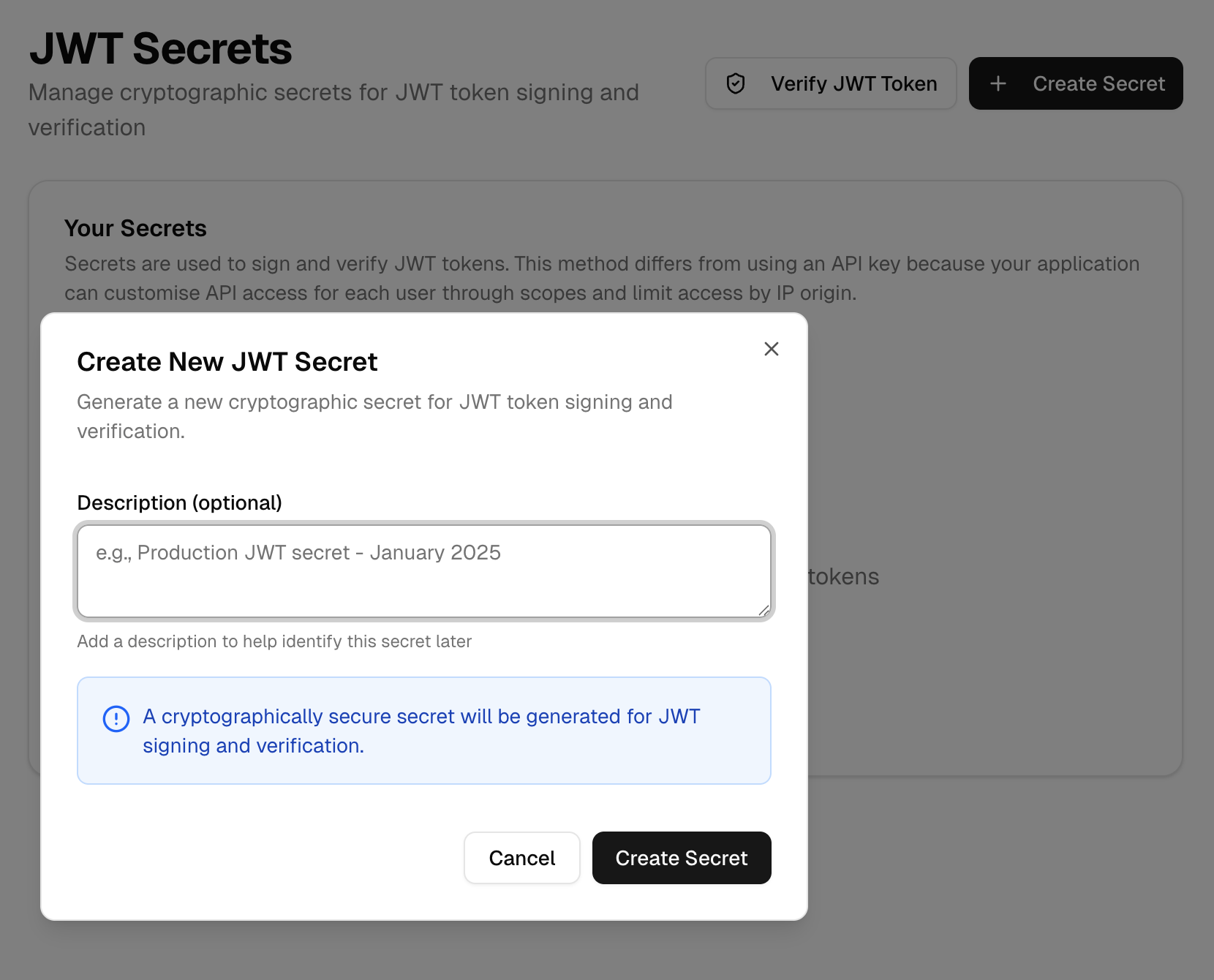
- Go to Settings → Secrets in Ensemble
- Click Create Secret
- Give it a description (e.g., "JWT Signing")
- Copy the Secret ID (Key ID) and Secret Value — the secret value won't be shown again
Signing JWTs
Use the secret to sign JWT tokens on your backend. The token must include:
sub- A unique user identifier for tracking purposesexp- Expiration in seconds from nowaud- Must beensembleapp.aikeyid- Ensemble's generated secret ID.<JWT secret>- Ensemble's generated JWT secret - should be an environment variable.
// Example Backend using jsonwebtoken (Node.js)
const jwt = require('jsonwebtoken');

const token = jwt.sign(
  {
    // a unique user id for tracking purposes (e.g. user id on your system)
    sub: 'user-123',
    // expire in 3600 seconds (1 hour)
    exp: nowInSeconds + 3600,
    iat: nowInSeconds,
    aud: 'ensembleapp.ai',
  },
  process.env.ENSEMBLE_JWT_SECRET,
  {
    algorithm: 'HS256',
    // The Ensemble ID associated with the secret
    keyid: 'ensemble-secret-id',
  }
);
Passing Secure Context
You can embed trusted data context in the JWT that will be available to the invoked agents and tools. This context cannot be tampered with by the client or other unsecured data context.
const token = jwt.sign(
  {
    sub: 'rjohnson-123',
    ...
    context: {
      name: "Ron Johnson",
      email: "ron@ensembleapps.ai",
    }
  },
  ...
);
Using the JWT
Pass the token in the Authorization header:
curl -X POST https://service.ensembleapp.ai/api/agents/{agentId}/invoke \
  -H "Content-Type: application/json" \
  -H "Authorization: Bearer your_jwt_token" \
  -d '{"message": "Hello"}'
Or with the Chat Widget:
import { ChatWidget } from '@ensembleapp/client-sdk';

function Chat() {
  const [token, setToken] = useState<string>();

  useEffect(() => {
    // Fetch token from your backend
    fetch('/api/ensemble-token')
      .then(res => res.json())
      .then(data => setToken(data.token));
  }, []);

  if (!token) return <div>Loading...</div>;

  return (
    <ChatWidget
      api={{
        baseUrl: 'https://service.ensembleapp.ai',
        token: token,
      }}
      agentId="your-agent-id"
      threadId={`user-${userId}`}
    />
  );
}
Token Expiration
- Keep tokens short-lived (1 hour or less recommended)
- Your frontend should handle token refresh before expiration
- If a token expires, fetch a new one from your backend
Comparison
| Aspect | API Key | Signed JWT |
|---|---|---|
| Complexity | Simple | Requires signing logic |
| Frontend-safe | No | Yes (token only, not secret) |
| Secured context | No | Yes (claims in JWT) |
| Expiration | Never (until rotated) | Built-in (exp claim) |
| Best for | Cron jobs, webhooks, CI/CD | Chat widgets, user-facing apps |